News and categories
The News and Categories modules: where you write news items and manage the categories that group your pages.
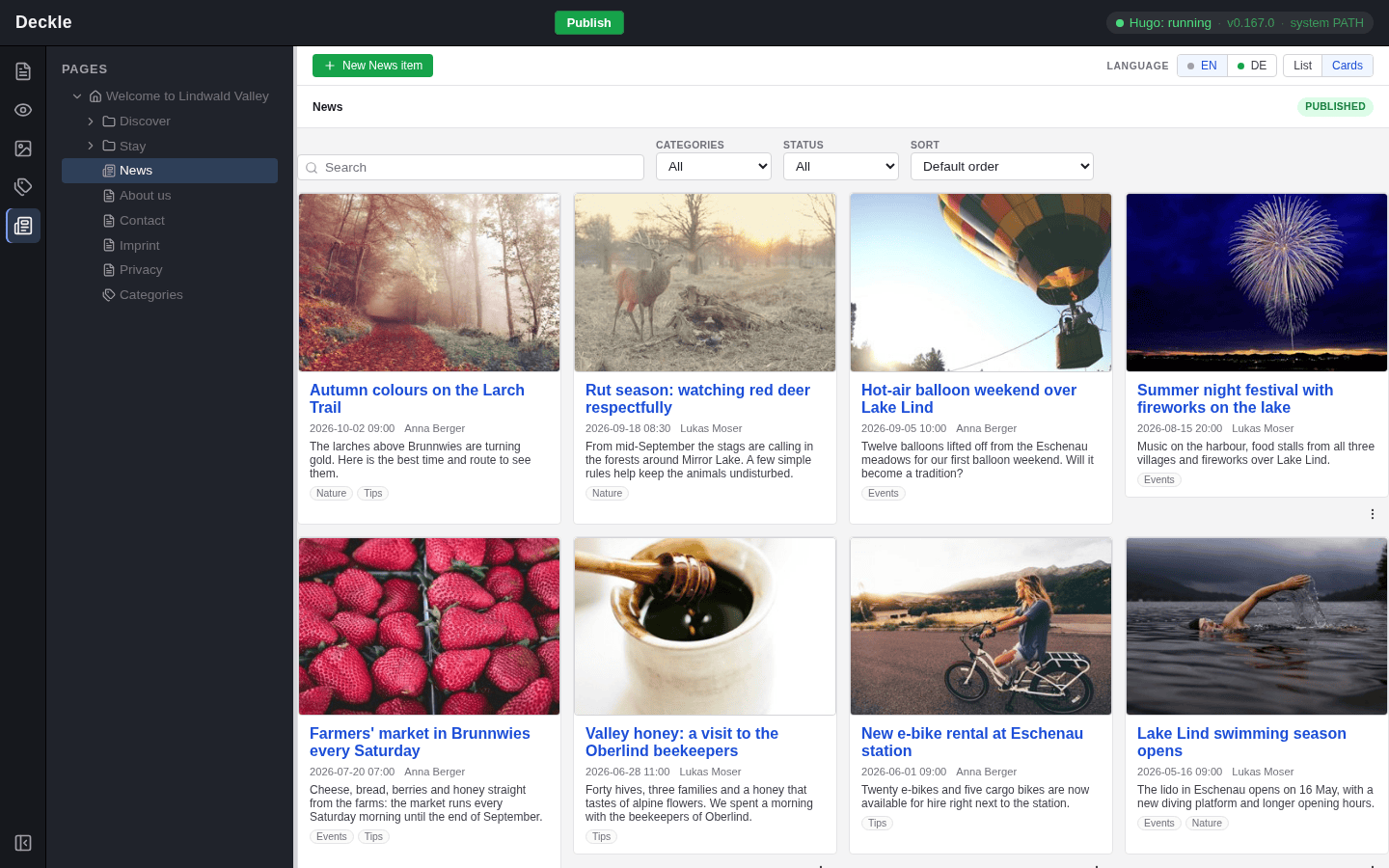
Some kinds of pages are not managed in the page tree but in a list of their own: news items and categories. Each has its own module in the module bar on the left, News and Categories, where you find, create and edit them. Both are optional features that the person who looks after your website adds if you need them. A website with News always has Categories too, so your editor may show both modules, only Categories, or neither.